Garmin export
Export your Garmin training history
Download every workout as an original .fit file.
-
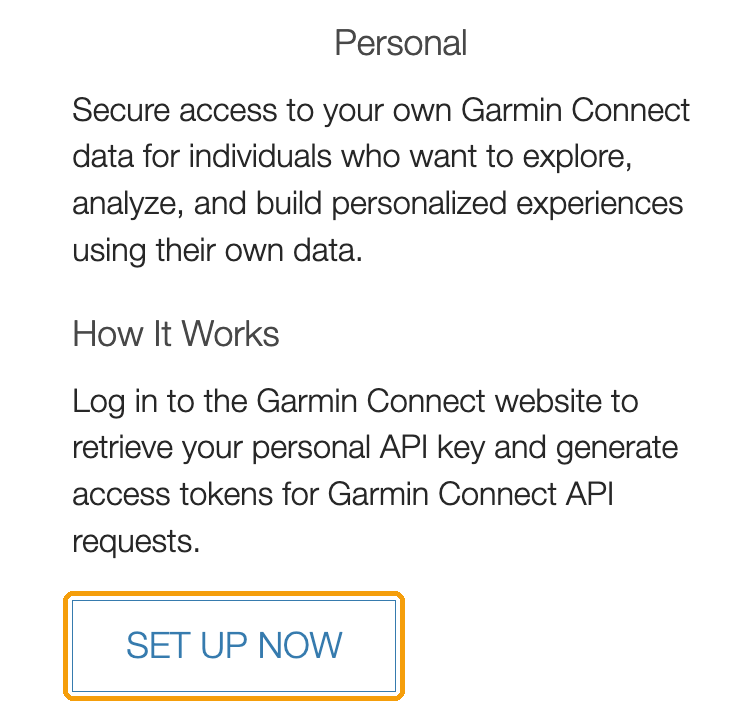
Go to https://developer.garmin.com/gc-developer-program/overview/ and click Set up now under Personal.
-
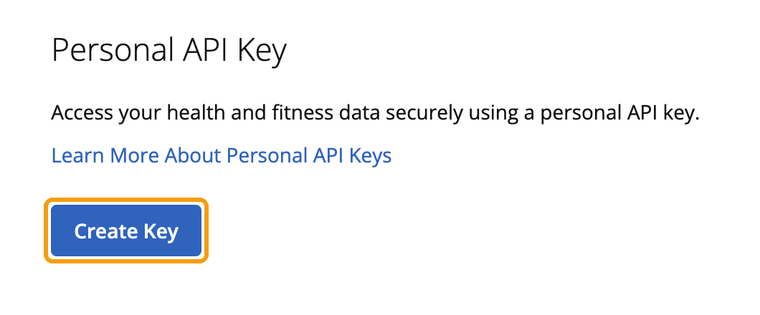
Sign in to Garmin Connect if asked, click Create Key and accept the API terms.
-
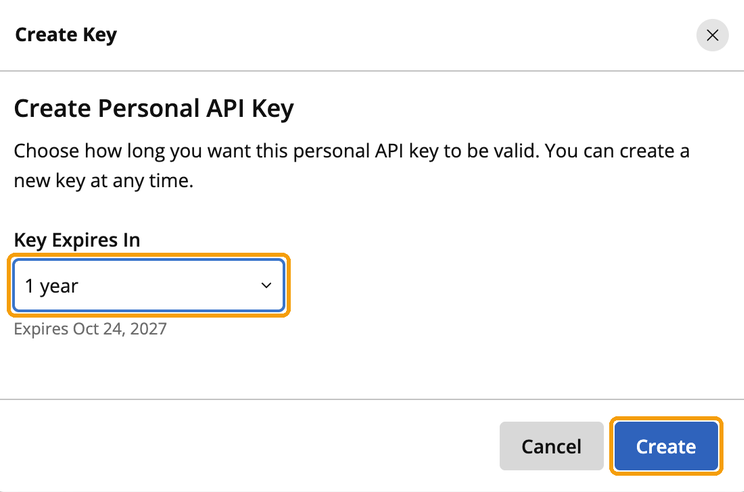
Set Key Expires In to 1 year and click Create. Then copy your key and paste it below. Garmin only shows it once.
Your key is only used to read your activities for this export. It is never stored, and you can delete it in Garmin Connect when you're done. Files are deleted from our servers 48 hours after your export is ready. Privacy
Reading your activity list
Connected to Garmin. This takes about half a minute for a few thousand activities.
Connected
Found your activities
Exporting
Downloading your activities
You can close this page. Bookmark it or keep this link to come back: the export keeps running.
Your export is ready
Download ZIPWhat's next
- Unzip the file. Your workouts are in the
fitfolder, sorted by year. - Upload the .fit files to your new platform using its import or upload feature.
- Delete your key in Garmin Connect. It is no longer needed.
Export stopped